

AI virtual staging
AI virtual staging, straight from your iPhone
Photograph an empty room and furnish it virtually in about 35 seconds. Buyers picture themselves in the space, and the property itself stays exactly as it is.
Real results
Slide to compare
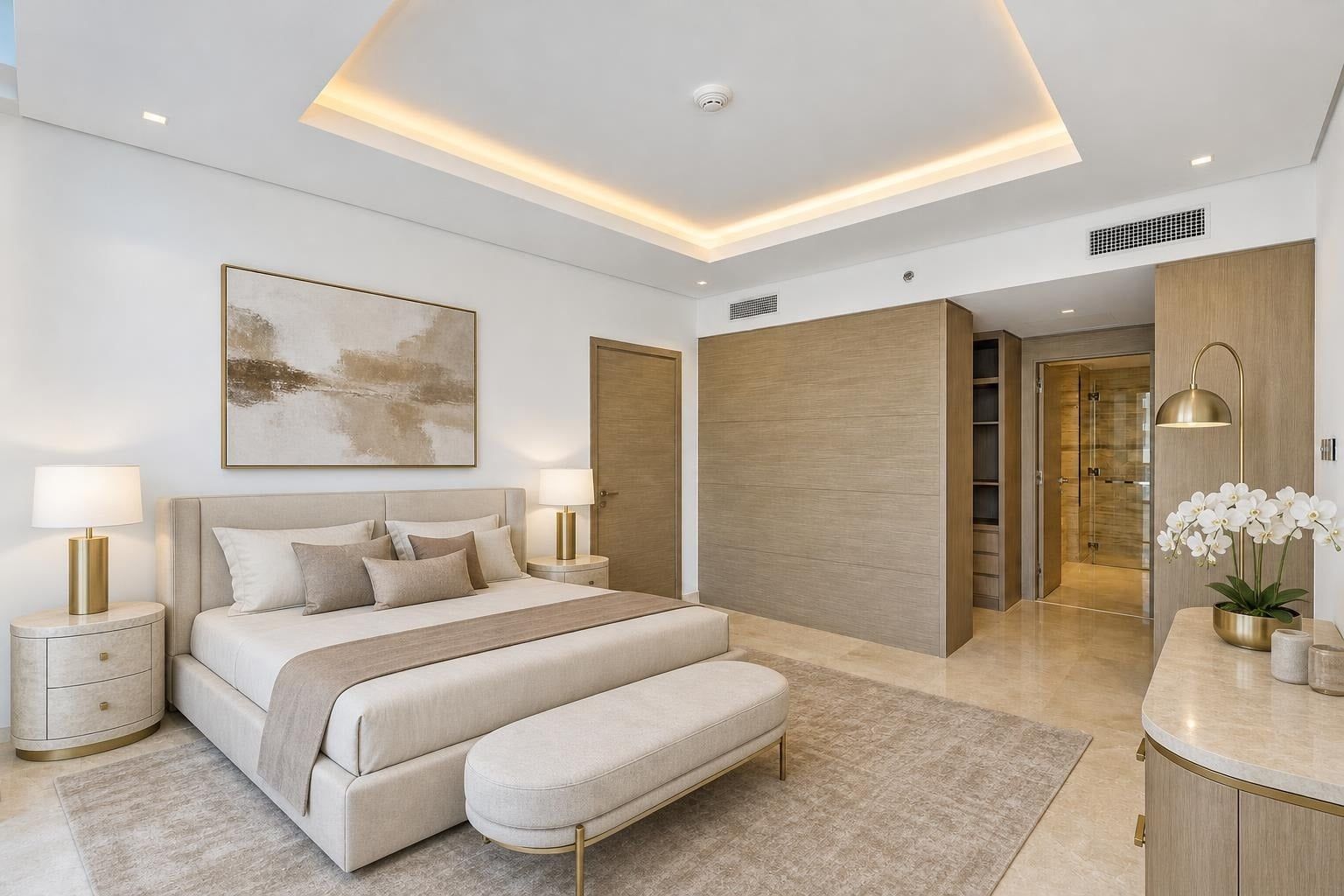
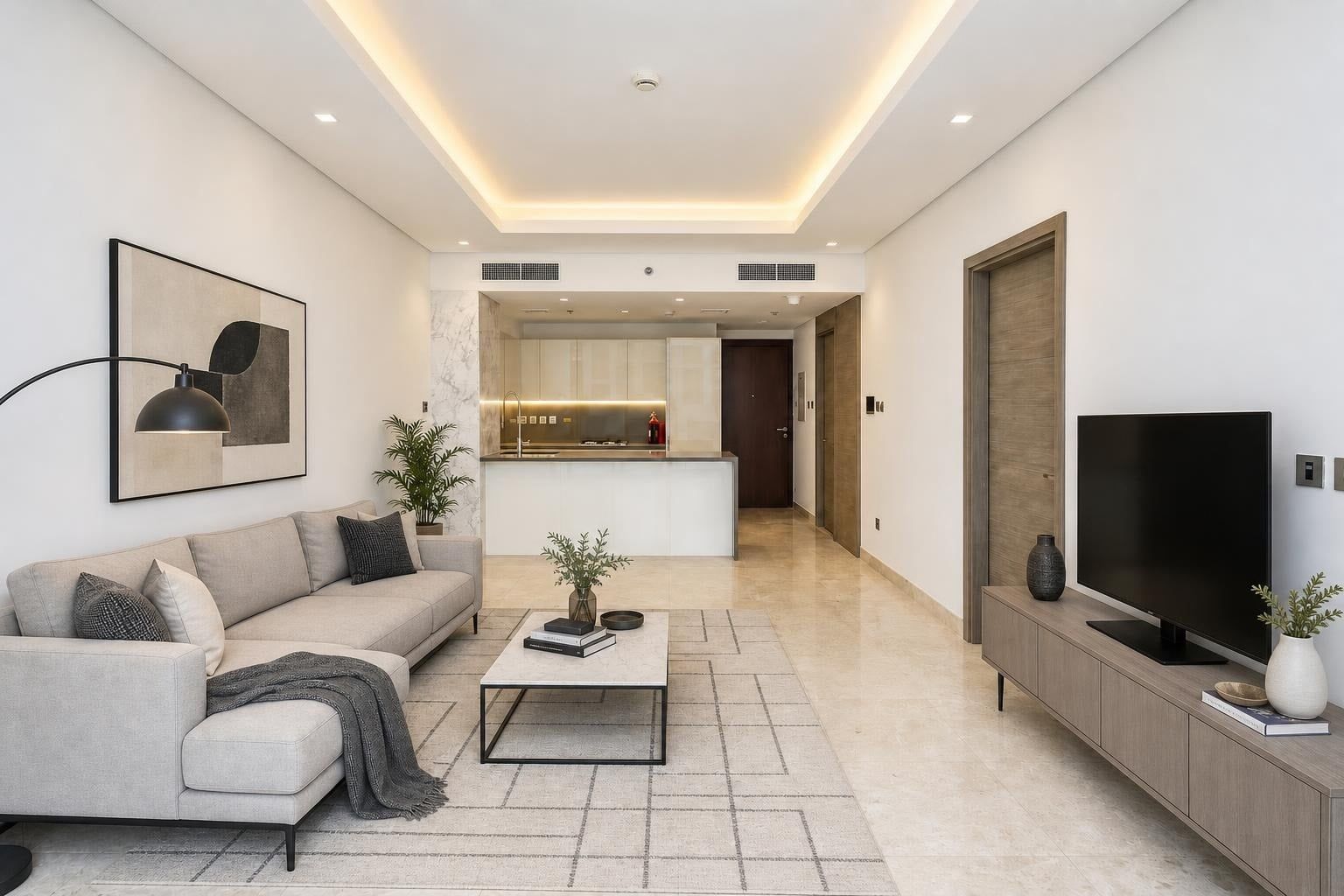
Results from the app on demo photos of an apartment in Dubai. Every edit creates a new version and your original is always kept.
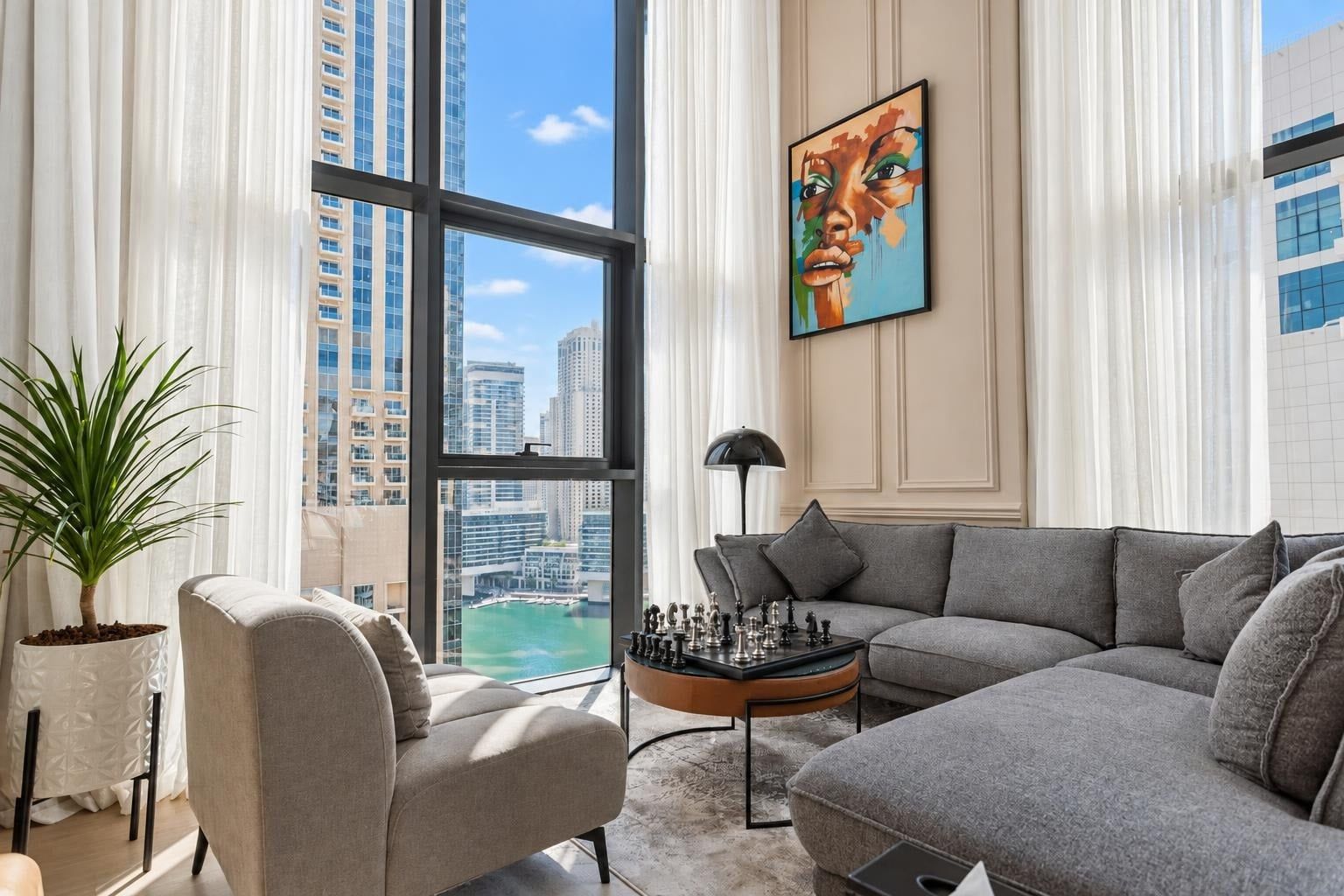
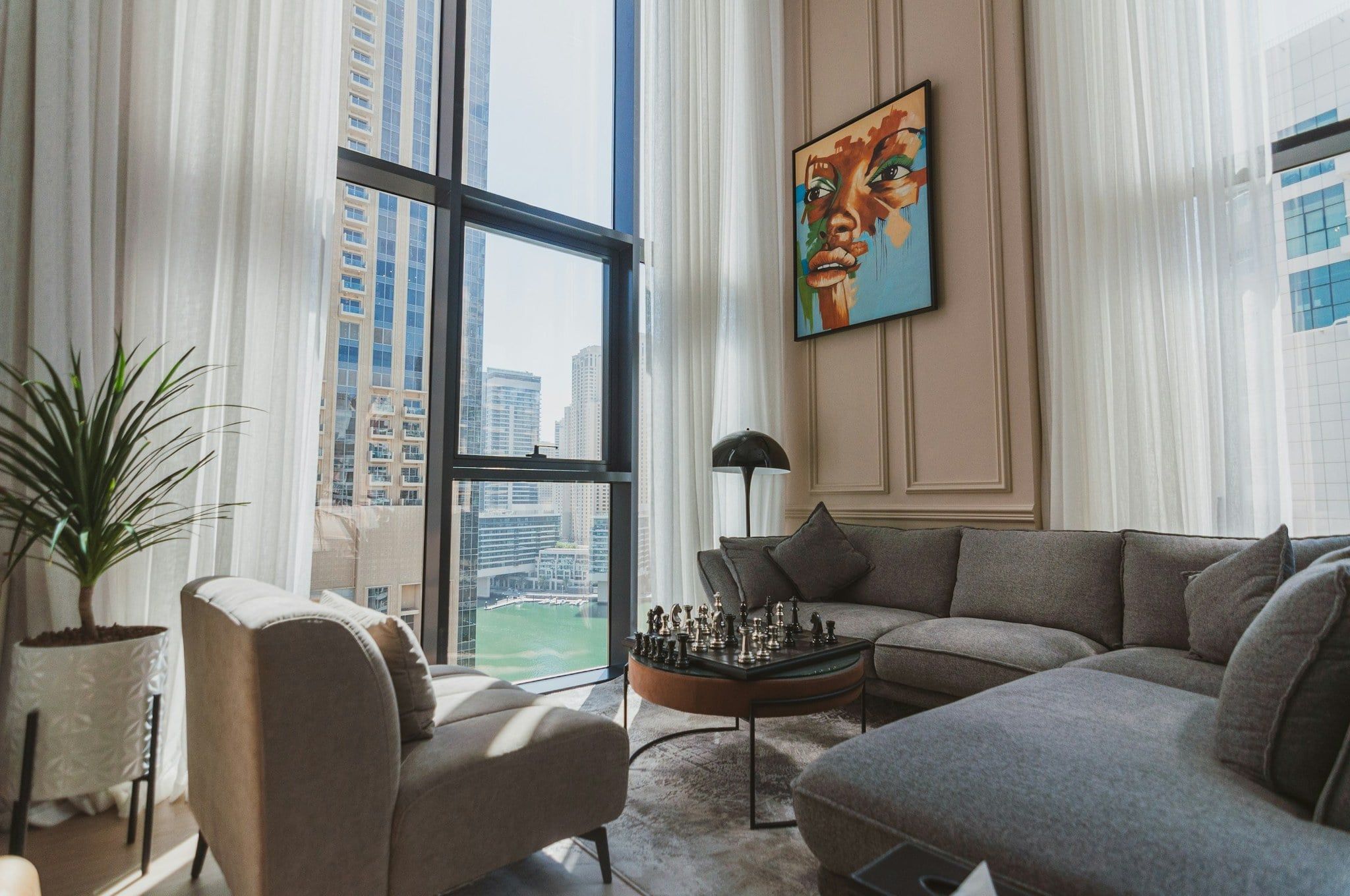
Enhance · Balanced light, corrected white balance, straightened verticals, a visible window view, and a blue sky when it was dull.
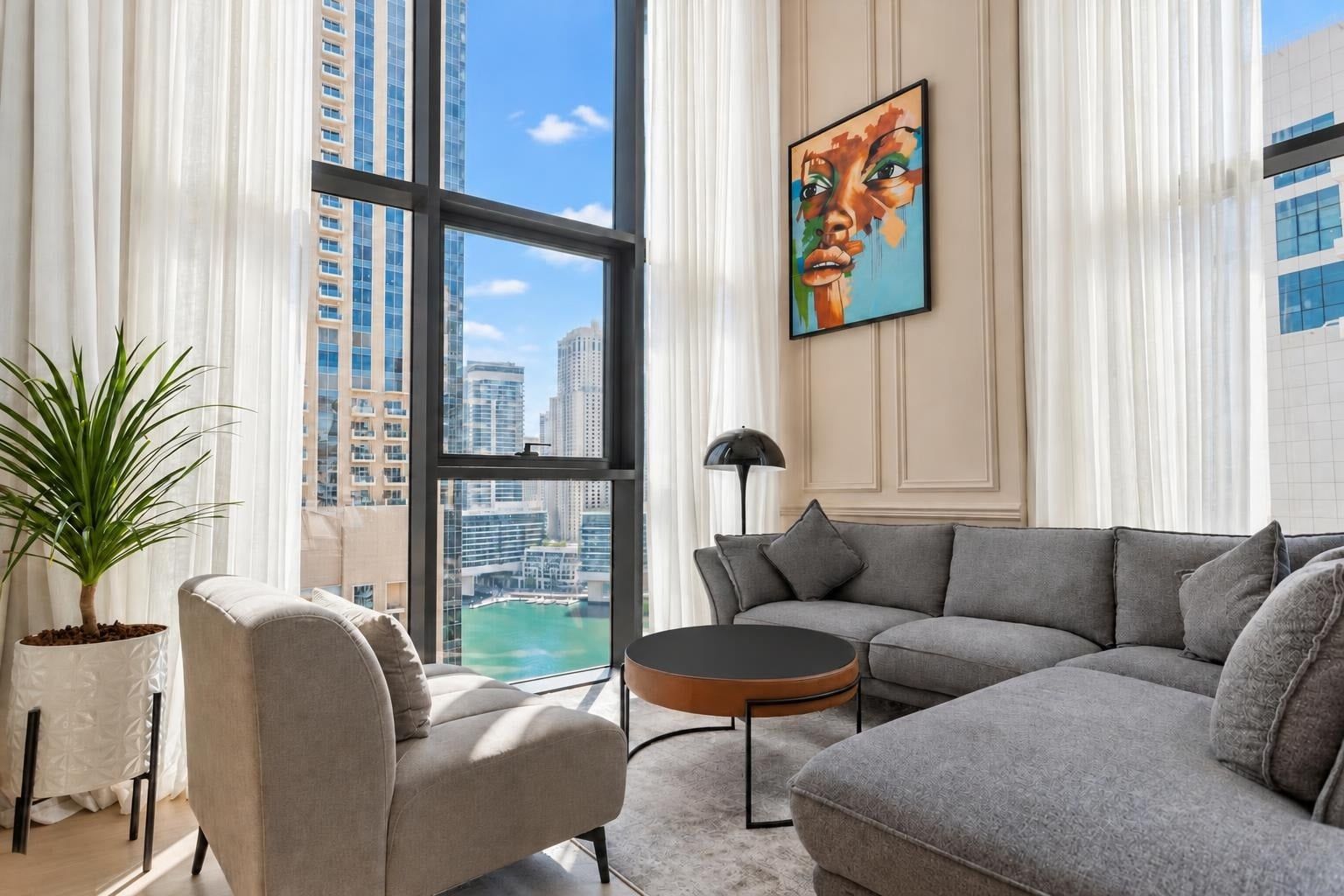
Declutter · Removes clutter and personal items and keeps the furniture. You can also say what else to remove.
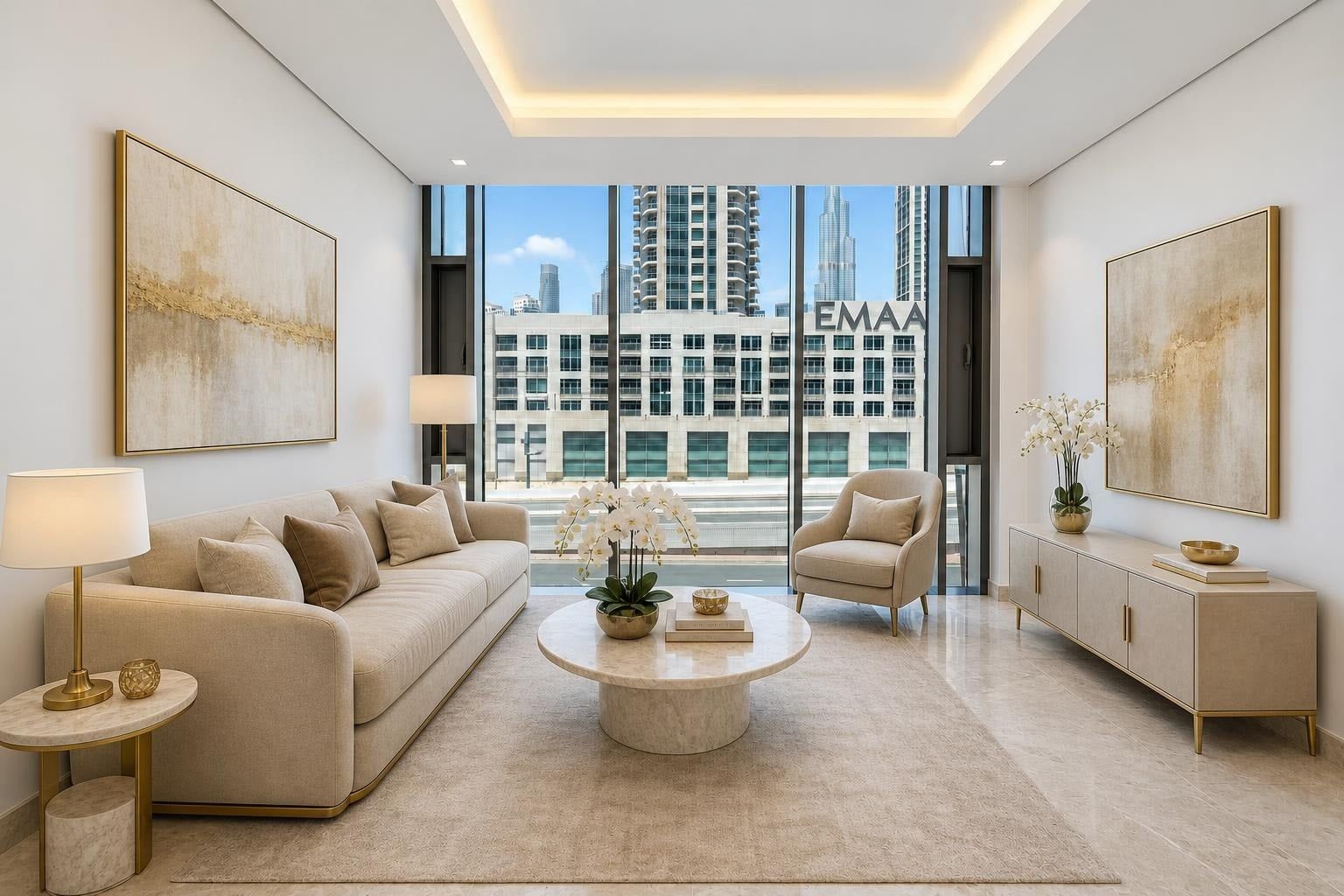
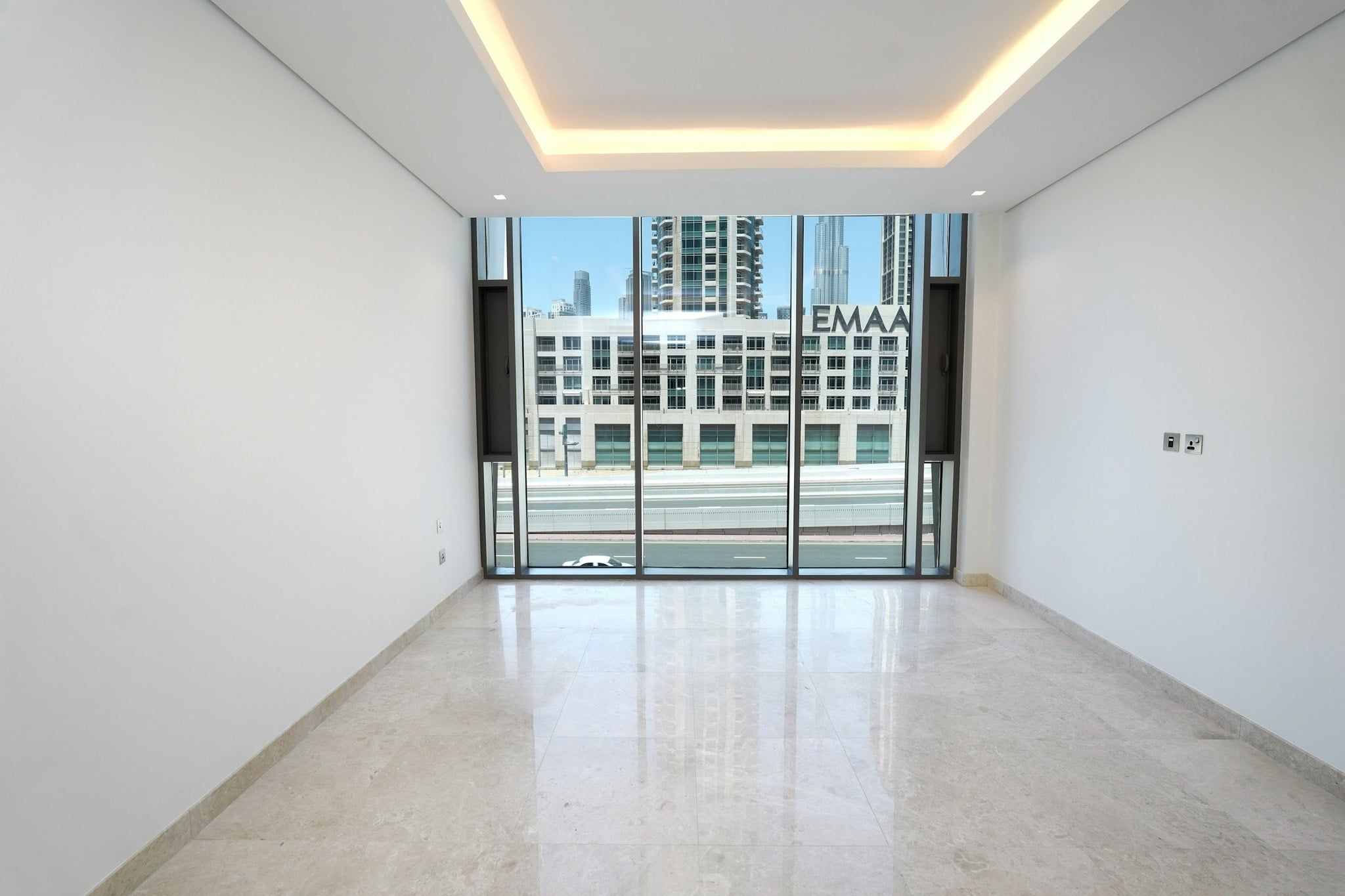
Stage · Virtual staging of an empty room in the style you choose. Here: Dubai Luxury.
How virtual staging works in RealShowcase
- 01
Take or import the photo
Shoot with the guided camera (grid, level, tips per room) or import from your camera roll. The room type is detected on import.
- 02
Empty the room if needed
“Empty the room” removes the furniture in about 30 seconds and keeps curtains and fixed elements. “Declutter” removes clutter but keeps the furniture.
- 03
Choose a style and stage
Pick one of 6 styles. In about 35 seconds you get a new version; the original is always kept and you compare them with your finger.
- 04
Export with the right mentions
For Dubai, the “Virtually staged” label is added to staged photos. Export with your logo and share to WhatsApp, Instagram or your camera roll.
6 staging styles
From a Dubai penthouse to a Paris flat, pick the style that fits the property and the buyer.
- Dubai Luxury
- Modern
- Scandinavian
- Haussmannian
- Majlis
- Mediterranean
Honest staging, labelled as such
Virtual staging shows what a room could look like. It must never hide what it is. RealShowcase never changes the structure of the property, flags any photo where it might have, and adds the “Virtually staged” label for Dubai listings. Always tell buyers which photos are virtually staged.

Our golden rule
We never change the structure of the property.
We enhance, tidy, empty and furnish. We never misrepresent the property.
Always kept as they are
- Walls
- Doors
- Windows
- View
- Floors
- Ceilings
- Perspective
Checked after every edit
After each edit, an AI compares the before and after. If a structural element seems to have changed, the photo is flagged “To check” so you can review it before using it.
To check
Virtual staging: your questions
What is virtual staging?
Virtual staging adds furniture and decor to the photo of an empty room, so buyers and tenants can picture the space. In RealShowcase, artificial intelligence does it in about 35 seconds per photo.
Which styles are available?
Dubai Luxury, Modern, Scandinavian, Haussmannian, Majlis, Mediterranean.
Can it furnish a room that is already furnished?
Yes: first use “Empty the room” to remove the furniture (about 30 seconds), then stage it in the style you choose.
Will it change the walls, windows or view?
No. Walls, doors, windows, view, floors, ceilings and perspective are kept. After each edit an AI compares before and after, and flags the photo “To check” if something structural seems to have changed.
How much does it cost?
RealShowcase is free during the beta, on iPhone via TestFlight. Each tester has a limited AI trial budget.

Try it on your next listing
Join the free iPhone beta and tell us what would make it more useful for you.
Questions? Write to contact@realshowcase.app